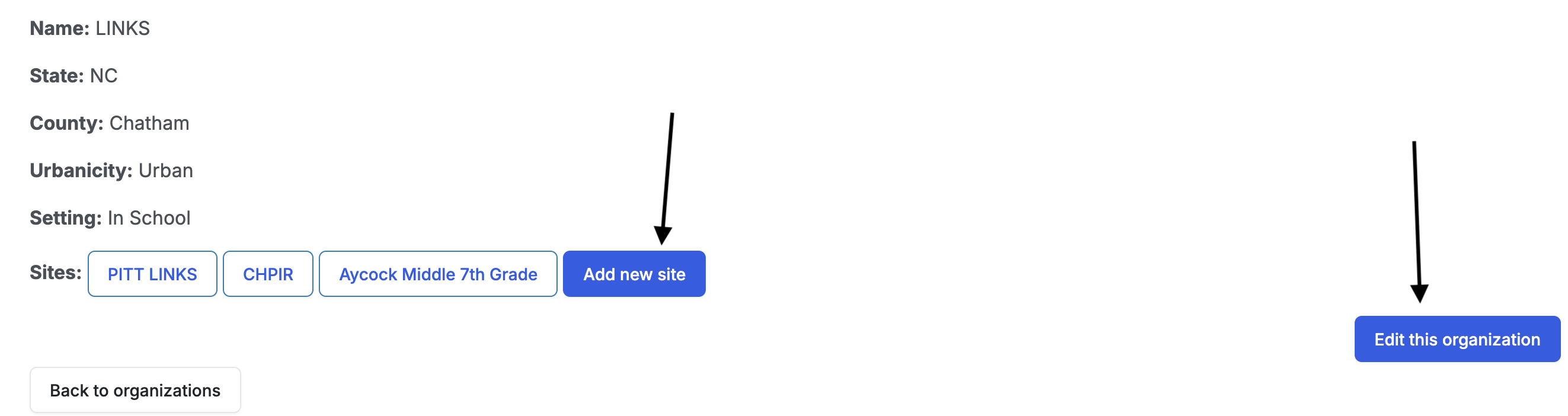
Organizations
Organizations are the partners that participate in the ENC-HEAL program. An organization is associated with one or more sites. Examples would be a group of Boys & Girls Clubs, or a county’s school system.
Only admin users have the permission to create organizations.
To create an organization:
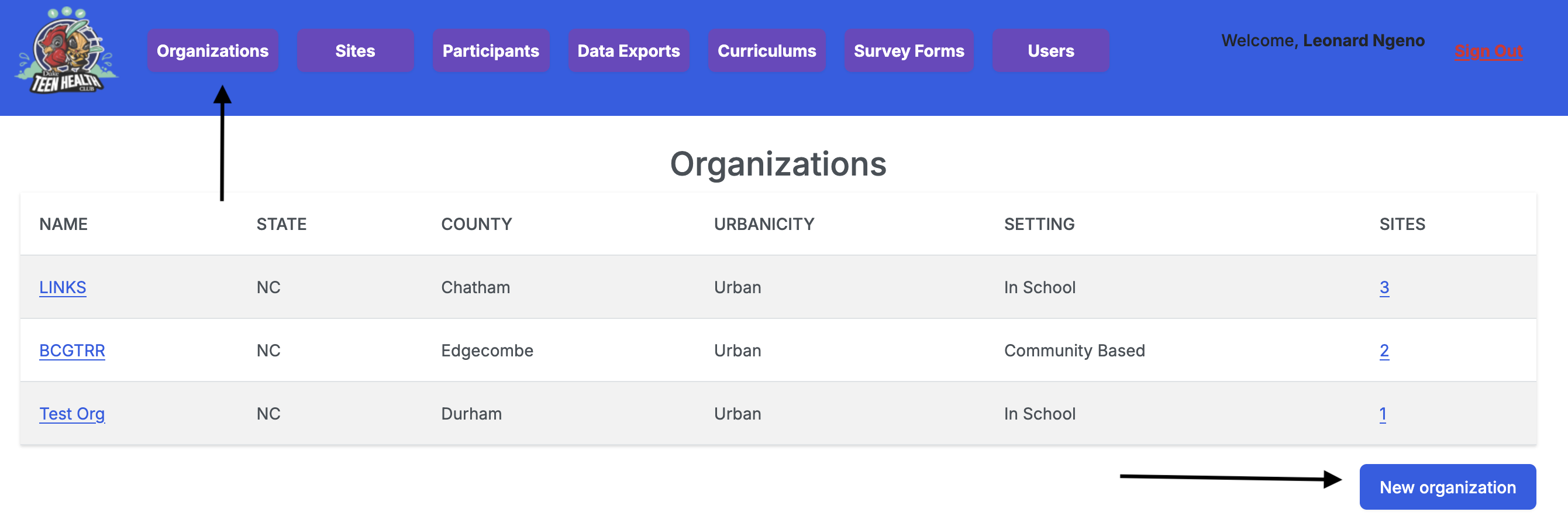
- Navigate to the Organizations URL using the navigation tab.
- Click on the New organization button.
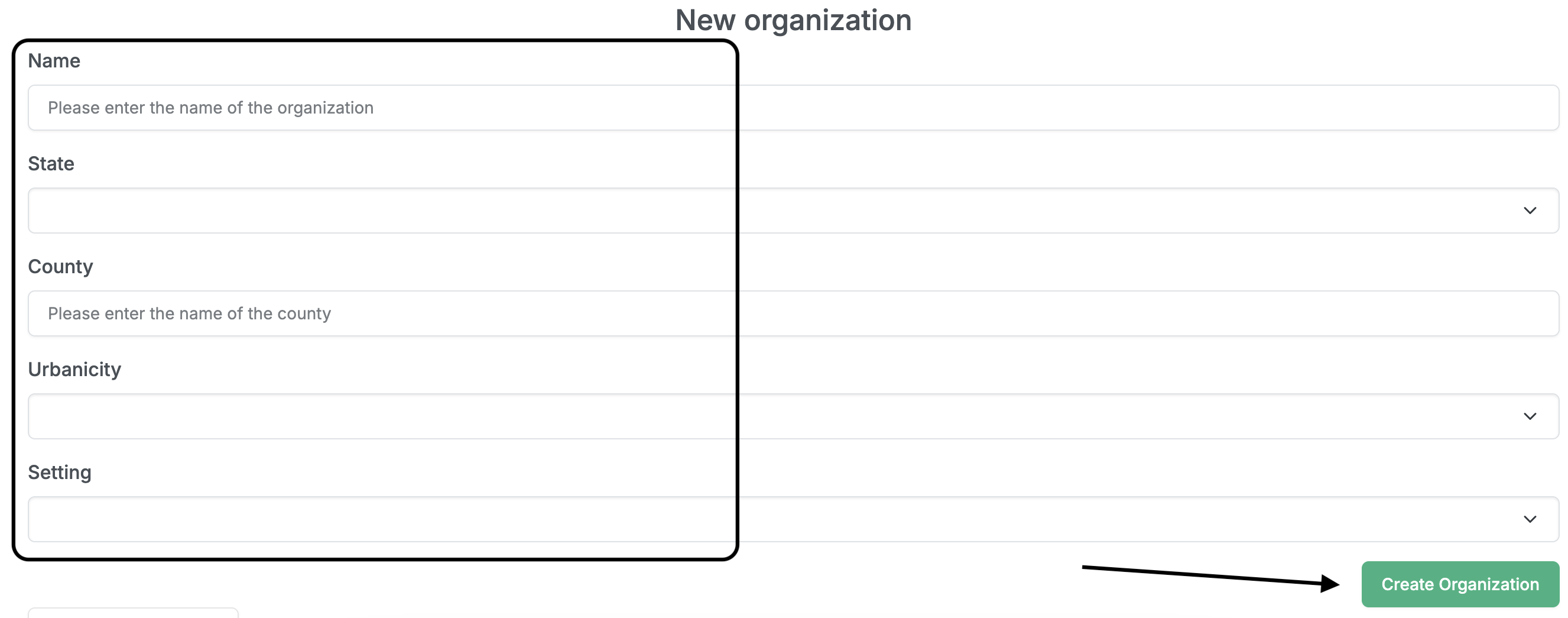
- Provide the organization’s name, state, county, urbanicity, and setting.
- Click the Create Organization button to save the organization.
To add a site to an organization, click the Add new site button on the organization’s page.
To edit an organization, click the Edit this organization button on the organization’s page.