Data Exports
This page contains links to download section data upload files. These are the files that are uploaded every 6 months to the sponsors dashboard.
To create a section data export report:
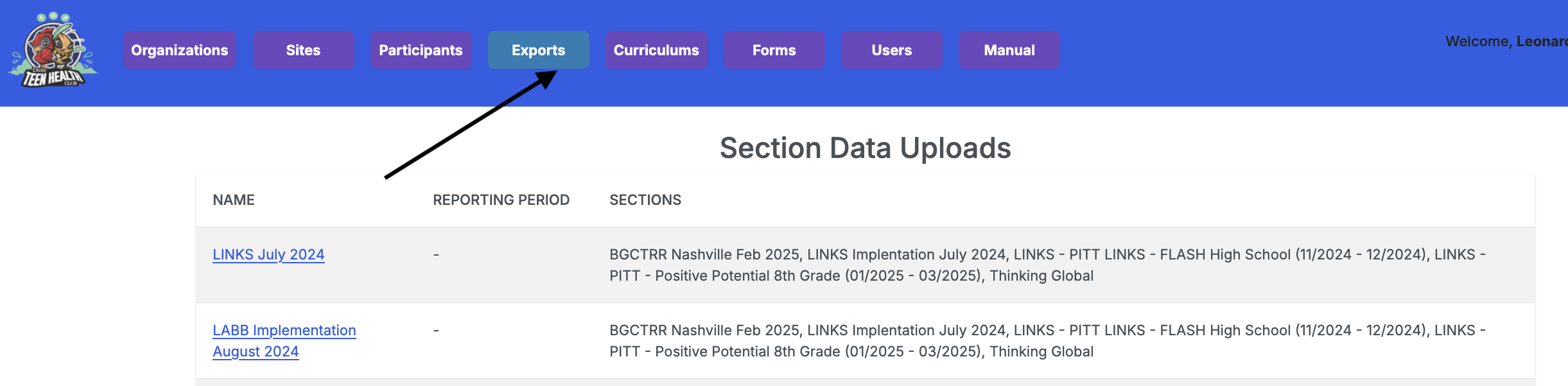
- Navigate to the Data Exports page using the navigation tab.
- Click on the New data upload button.
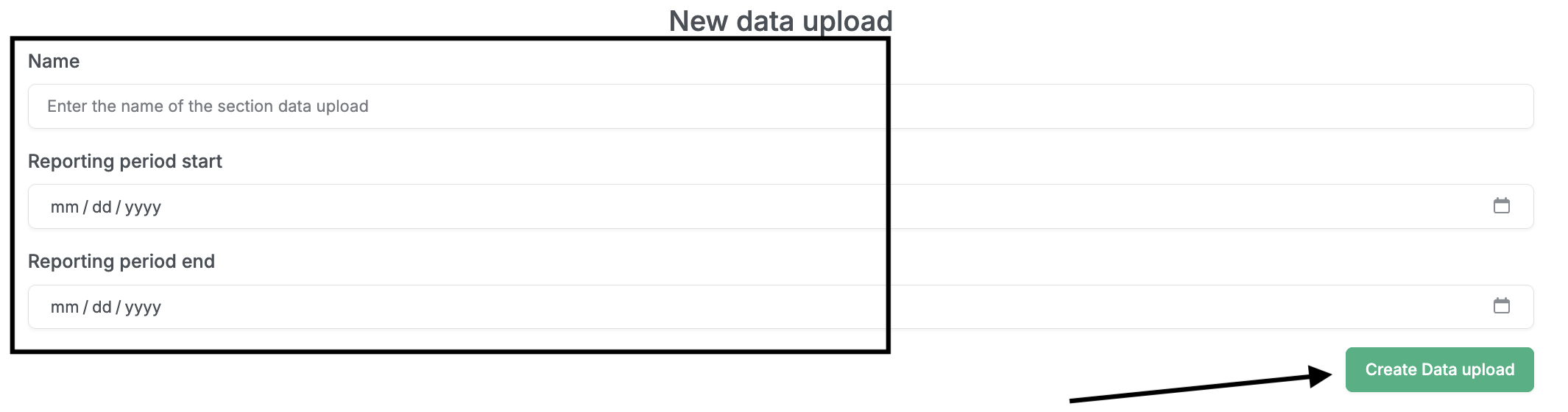
- On the form that opens, provide a convenient name for the data export, and select the start and end dates that the report will cover. Completed sections whose end dates fall between the selected start and end dates will be included in the report.
- Click the Create Data upload button.
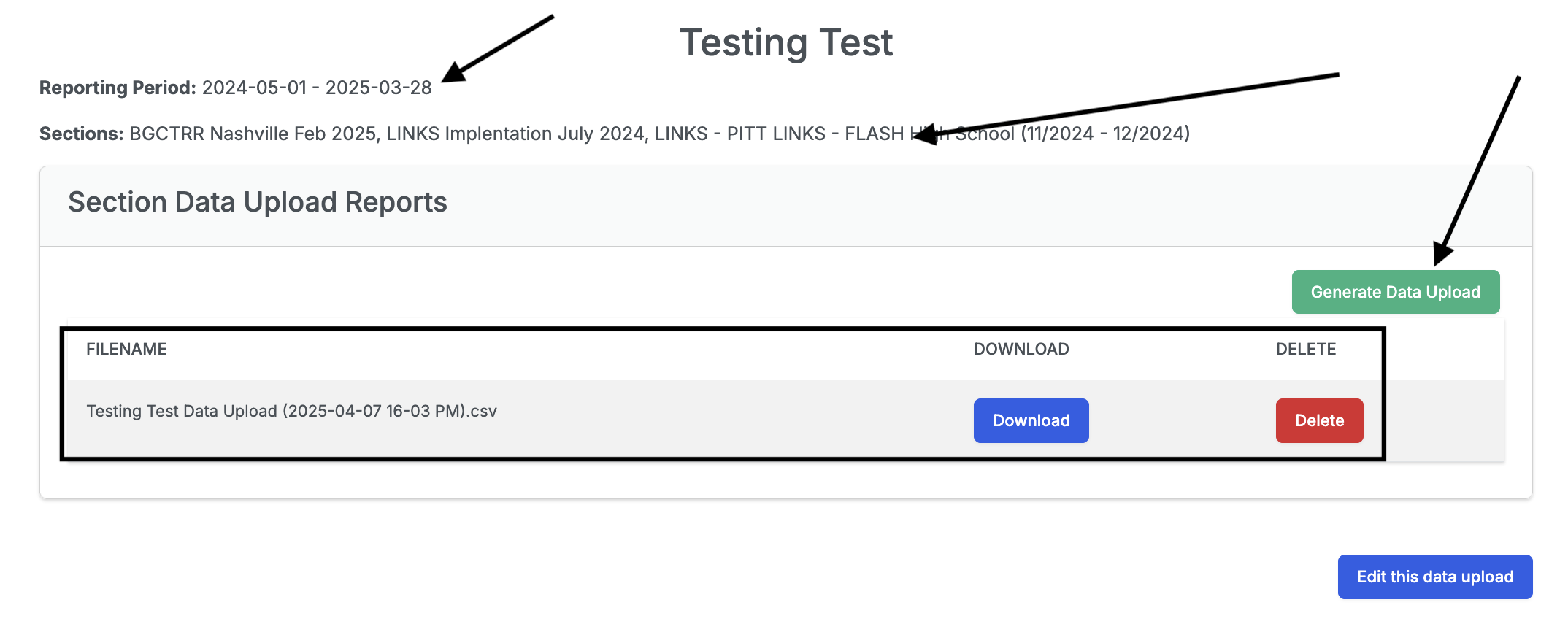
- On the resulting page, you should see the reporting period of the export, and the sections included in the export.
- Click the Generate Data Upload button to start the generation of the export csv file. Give it a bit of time to generate the file and then refresh the page to see the download link. The name of the file will contain the date and time the report was generated.